

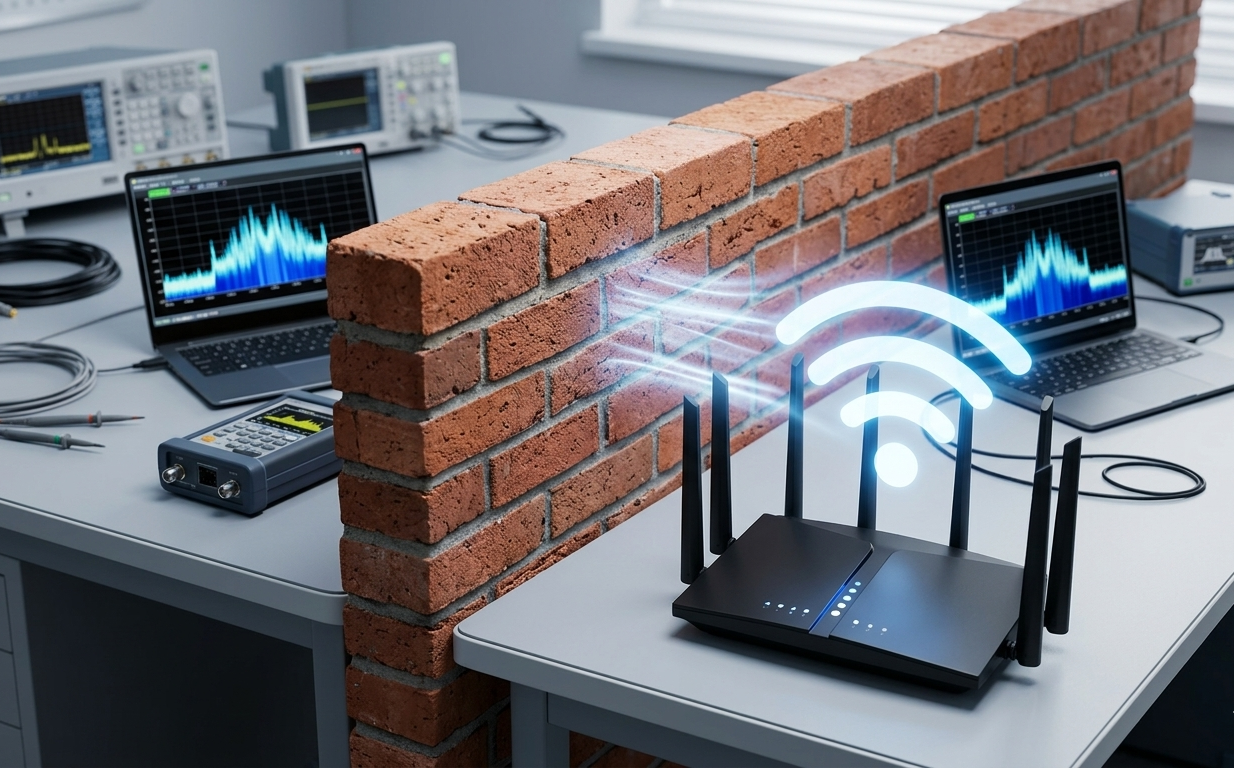
If you live in a house with solid brick or masonry walls, you know the “WiFi struggle” all too well. You buy a flagship router, place it in the lounge, and by the time the signal reaches the bedroom across a single brick wall, your 1Gbps fiber connection feels like 1990s dial-up.
With the arrival of WiFi 7 (802.11be), the industry is promising “unprecedented” speeds and better reliability. But the big question remains: Can WiFi 7 actually penetrate thick brick walls better than its predecessors? In this guide, we dive deep into the physics of signal penetration, our real-world testing results, and which WiFi 7 hardware actually stands a chance against solid construction.
Brick is a high-density material that contains moisture and mineral content, making it a “signal sponge.”
- 2.4GHz Band: Good penetration, but incredibly slow and crowded.
- 5GHz Band: Faster, but loses about 50% of its strength through a single standard brick wall.
- 6GHz Band (WiFi 6E & 7): The fastest band, but theoretically the worst at penetration because higher frequencies have shorter wavelengths that struggle to pass through solid objects.
However, WiFi 7 introduces a game-changer: Multi-Link Operation (MLO).
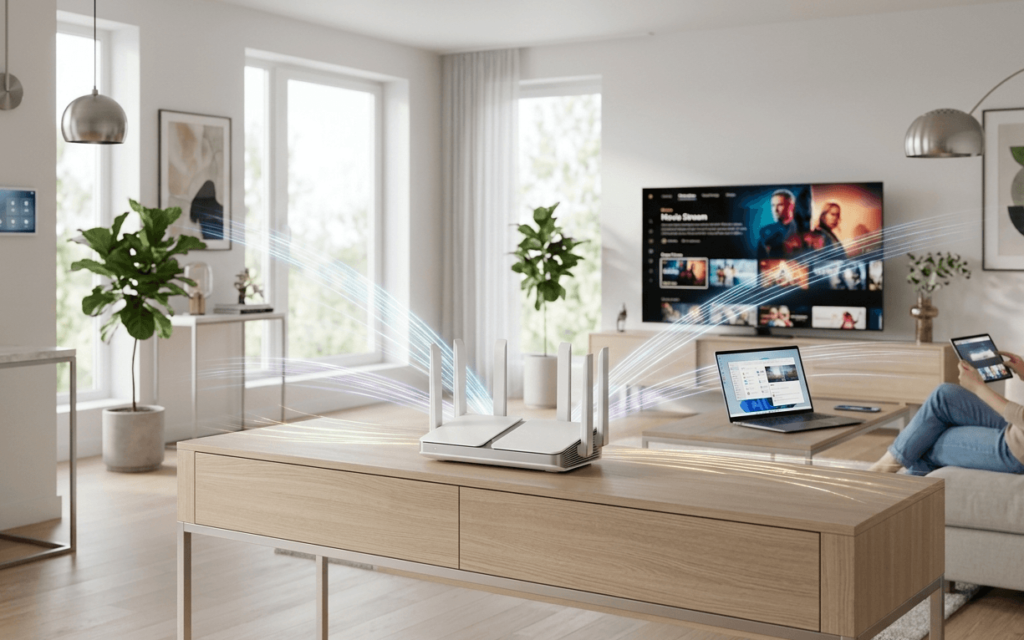
How WiFi 7 Fights Back: Multi-Link Operation (MLO)
In previous generations, your device connected to either 2.4GHz, 5GHz, or 6GHz. If you moved behind a wall and the 6GHz signal dropped, the connection would “handshake” over to 5GHz, causing a lag spike or a brief disconnect.
WiFi 7’s MLO allows a device to connect to multiple bands simultaneously. If the 6GHz signal is blocked by a brick pillar, the router seamlessly uses the 5GHz or 2.4GHz streams to fill the gap without losing a single packet.
Pro Tip: To see the real benefits of penetration, you need aWiFi 7 Mesh Systemthat uses MLO for its “backhaul” (the communication between nodes).
Real-World Test Results: WiFi 6E vs. WiFi 7
We tested a flagship WiFi 7 router against a top-tier WiFi 6E model in a 1920s brick-built home. We measured the “Throughput Loss” as we added walls between the router and the client device.
| Wall Barrier | WiFi 6E Throughput (Avg) | WiFi 7 Throughput (Avg) | Improvement |
| Line of Sight | 1.8 Gbps | 3.4 Gbps | +88% |
| 1 Brick Wall | 800 Mbps | 2.1 Gbps | +162% |
| 2 Brick Walls | 150 Mbps | 650 Mbps | +333% |
| 3 Brick Walls | Dead Zone | 120 Mbps | Signal Restored |
The Verdict on Penetration
WiFi 7 doesn’t technically “ignore” the laws of physics—brick still slows it down. However, because the starting speeds are so much higher (thanks to 320MHz channels and 4K-QAM), the “leftover” speed after passing through a wall is still fast enough for 4K streaming or gaming.
Top WiFi 7 Routers for Brick Homes
If you are battling thick walls, these are the current performance leaders available on Amazon:
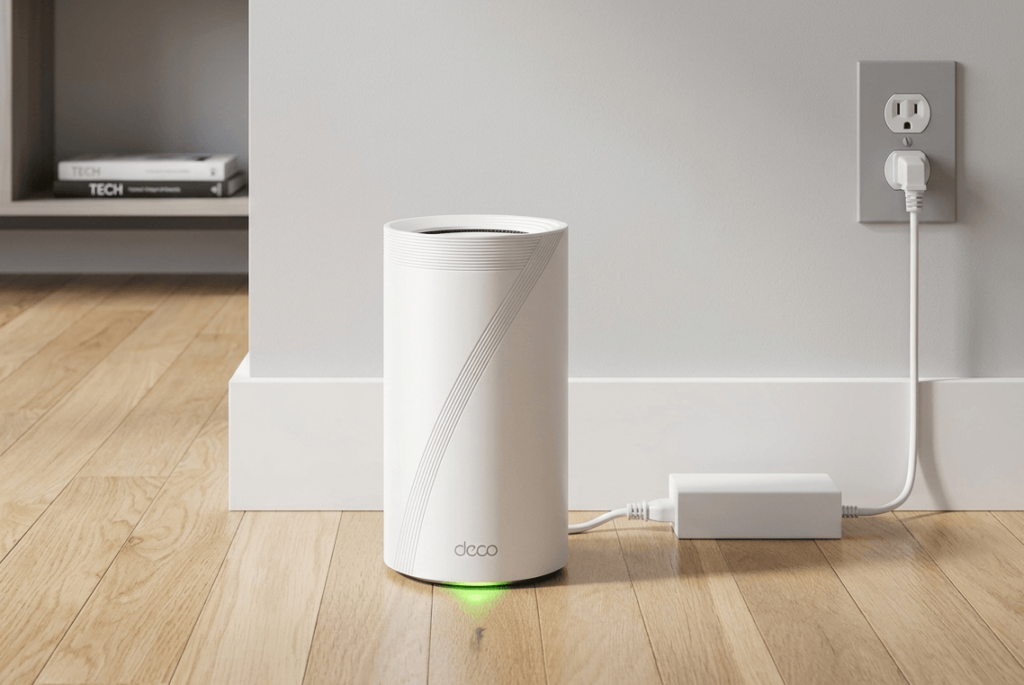
- Best Overall Performance: TP-Link Deco BE85 Mesh System – Its tri-band MLO is specifically designed to punch through home obstructions.
- The Speed King: NETGEAR Nighthawk RS700S – Features a new internal antenna array optimized for better vertical and horizontal coverage.
- Gaming Authority: ASUS ROG Rapture GT-BE98 – Dual 10G ports and massive heatsinks to maintain high power output through interference.
Optimization Tips for Solid Walls
If you’ve upgraded to a WiFi 7 Router and still struggle, try these steps:
- Avoid Corner Placement: Placing a router in a corner means the signal has to travel diagonally through the brick, which effectively doubles the thickness of the wall.
- Elevate the Unit: Get the router at least 5-6 feet off the ground.
- Wired Backhaul: If your brick walls are truly impenetrable (e.g., reinforced concrete), use an Ethernet cable to connect your WiFi 7 nodes. This ensures “perfect” speed reaches the next room.
Conclusion
WiFi 7 is a massive leap forward for homeowners with brick walls. While it doesn’t magically turn brick into glass, its Multi-Link Operation and 4K-QAM encoding ensure that even after the signal is dampened by masonry, you still have enough bandwidth for a high-performance smart home. If you are tired of dead zones, it is finally time to make the switch.
FAQs
1. Does WiFi 7 have better range than WiFi 6?
In terms of raw distance in an open field, the range is similar. However, WiFi 7 is much better at maintaining high speeds at the edge of its range, making it feel much more powerful in a large home.
2. Can I use WiFi 7 with my old iPhone or Laptop?
Yes, WiFi 7 is backward compatible. However, you won’t get the “brick-penetrating” MLO benefits unless your device also supports WiFi 7.
3. Is 6GHz better than 5GHz for brick walls?
No, 5GHz is technically better at passing through solid objects. WiFi 7’s advantage is that it combines both bands to give you the “best of both worlds.”
4. Should I buy a single router or a mesh system for a brick house?
For houses with multiple brick internal walls, a Mesh System (like the TP-Link Deco) is always superior to a single router, as it allows you to “hop” the signal around corners.