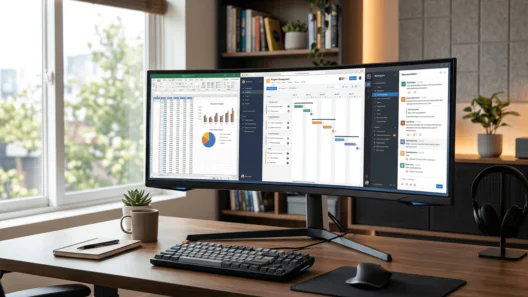


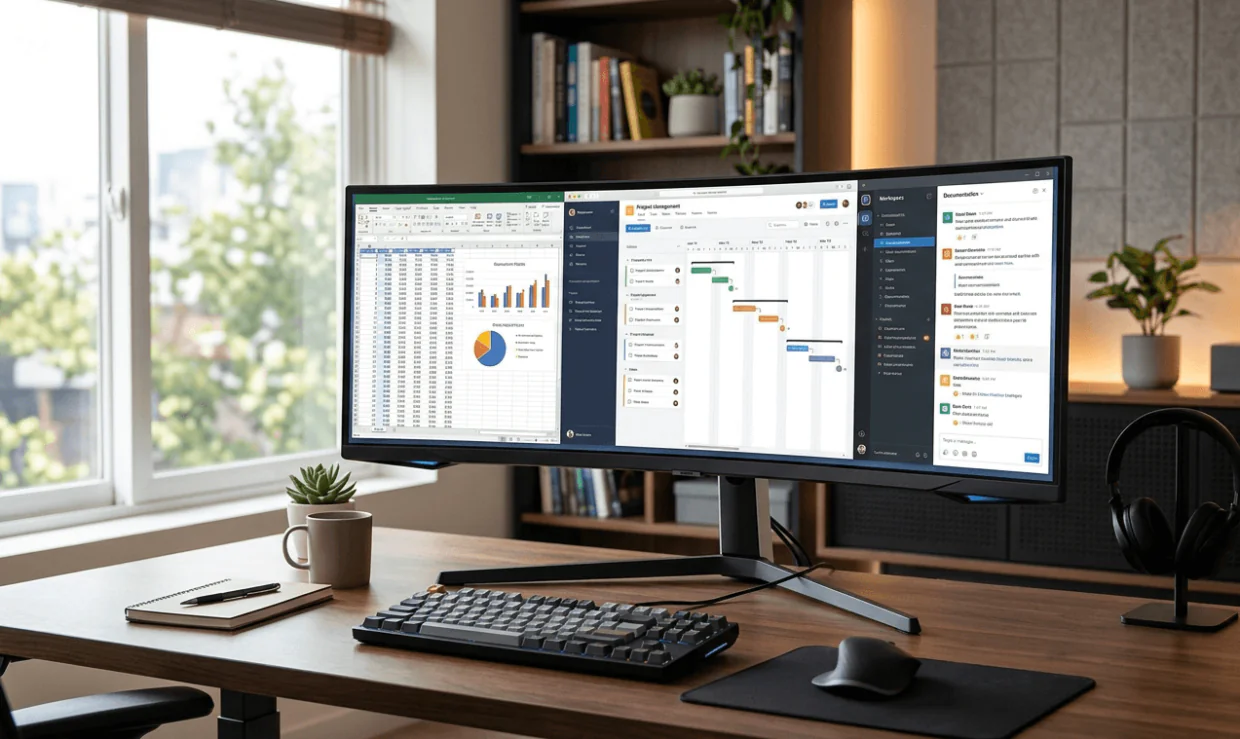
Migrating from a dual-monitor setup to a single ultrawide display is a calculated productivity upgrade. By eliminating the central bezel and expanding the horizontal field of view to a 21:9 or 32:9 aspect ratio, professionals can tile multiple high-density windows seamlessly.
However, sourcing a cost-effective ultrawide panel requires balancing technical compromises. Display matrix technology (VA vs. IPS), curvature radius (1000R vs. 1500R), and input connectivity (USB-C Power Delivery vs. standard HDMI/DP) directly impact workflow efficiency.
This technical buyer’s guide analyses the top five budget-friendly ultrawide monitors available in 2026, evaluating their hardware specifications, ergonomic data, and suitability for complex data processing, timeline editing, and general multitasking.
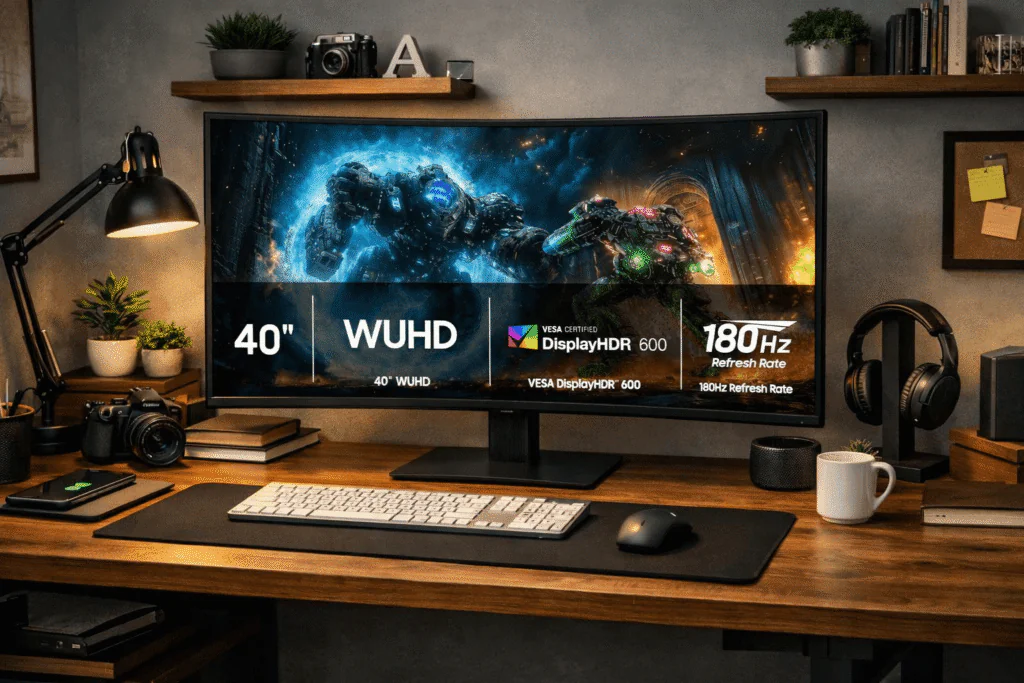
1. Samsung 40” Odyssey G7 (G75F)
Best for Extreme Multitasking and High-Fidelity Rendering
While marketed under Samsung’s Odyssey gaming sub-brand, the massive 40-inch G75F is an unparalleled productivity engine for professionals requiring maximum screen real estate. The WUHD resolution provides exceptionally crisp text scaling, essential for extensive coding sessions or spreadsheet analysis. The inclusion of VESA DisplayHDR™ 600 ensures precise luminance for those working in light video editing or digital asset management.
Core Specifications:
- Resolution: WUHD (Wide Ultra High Definition)
- Refresh Rate: 180Hz
- Response Time: 1ms (GtG)
- Certifications: VESA DisplayHDR™ 600, AMD FreeSync™ Premium Pro
Productivity Analysis: The 180Hz refresh rate significantly reduces cursor latency and window-dragging ghosting, mitigating ocular fatigue during prolonged workflows. The curved panel ensures focal distance consistency from the centre to the extreme edges of the 40-inch display.
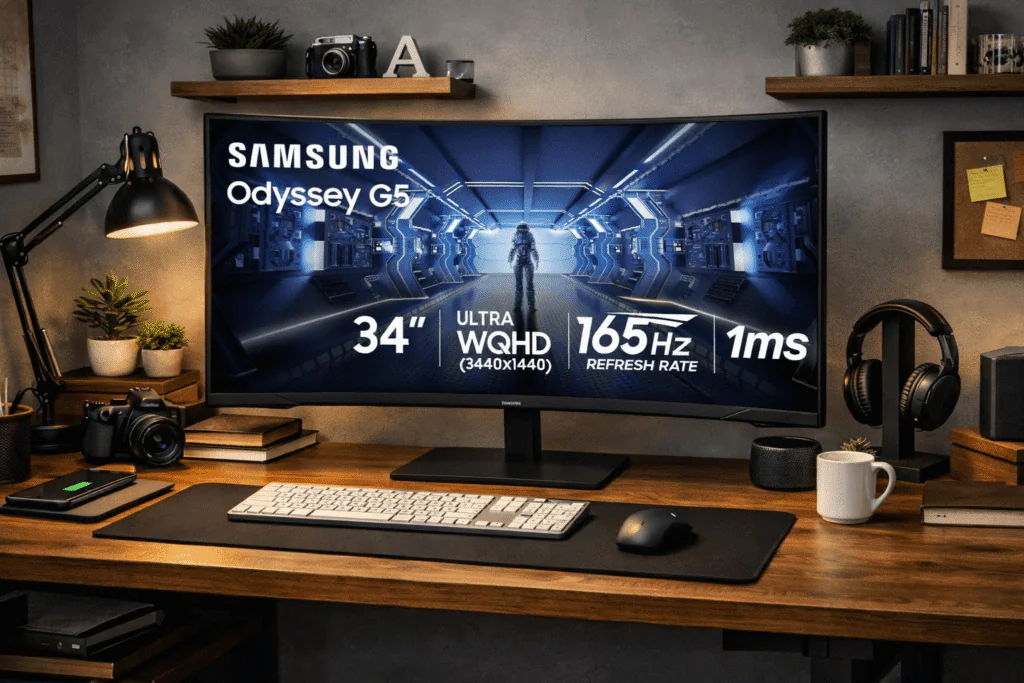
2. Samsung 34″ Odyssey G5 (LC34G55TWWNXZA)
Best Deep-Curve Ergonomics for Focused Workflows
The 34-inch Odyssey G5 features an aggressive 1000R curvature, mirroring the natural curvature of the human eye. This specific radius is engineered to maximise peripheral vision utilisation without requiring neck rotation, making it highly efficient for central-focus tasks surrounded by reference windows.
Core Specifications:
- Resolution: WQHD (3440 x 1440)
- Refresh Rate: 165Hz
- Curvature Radius: 1000R
- Features: FreeSync Premium, Eye Comfort Mode
Productivity Analysis: Generating 3440 horizontal pixels, this WQHD panel comfortably accommodates three full-width browser windows side-by-side. The integrated Eye Comfort mode actively modulates blue light emissions and screen flicker, fulfilling stringent ergonomic requirements for eight-hour-plus shifts.
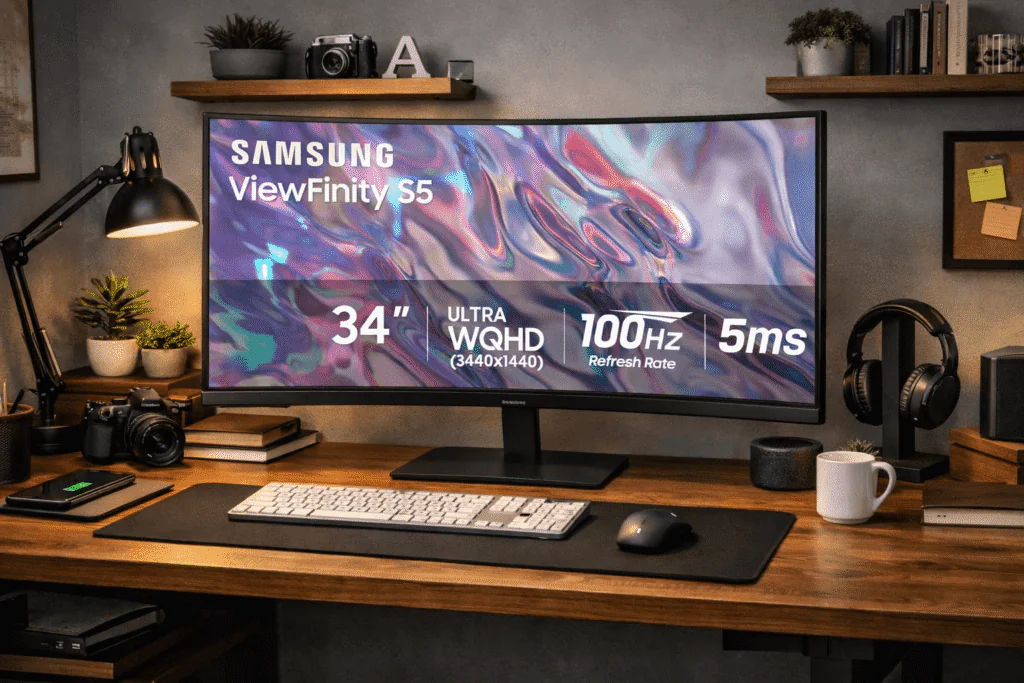
3. SAMSUNG 34″ ViewFinity S50GC (LS34C502GANXZA)
Best Flat-Panel Ultrawide for Hardware Integration
For professionals who prefer a flat-plane projection over a curved matrix—often required for CAD applications or precise architectural drafting—the ViewFinity S50GC offers a technically sound, borderless chassis. Released as a refined 2023 architecture, it remains highly relevant in 2026 due to its native PIP/PBP firmware.
Core Specifications:
- Resolution: Ultra-WQHD
- Refresh Rate: 100Hz
- Response Time: 5ms
- Hardware Integration: PIP (Picture-in-Picture), PBP (Picture-by-Picture)
Productivity Analysis: The native Picture-by-Picture (PBP) multiplexing allows inputs from two separate hardware clients (e.g., a desktop PC and a MacBook) to render simultaneously at a 1720 x 1440 resolution each. This eliminates the need for external KVM switches, streamlining complex multi-device workstations.
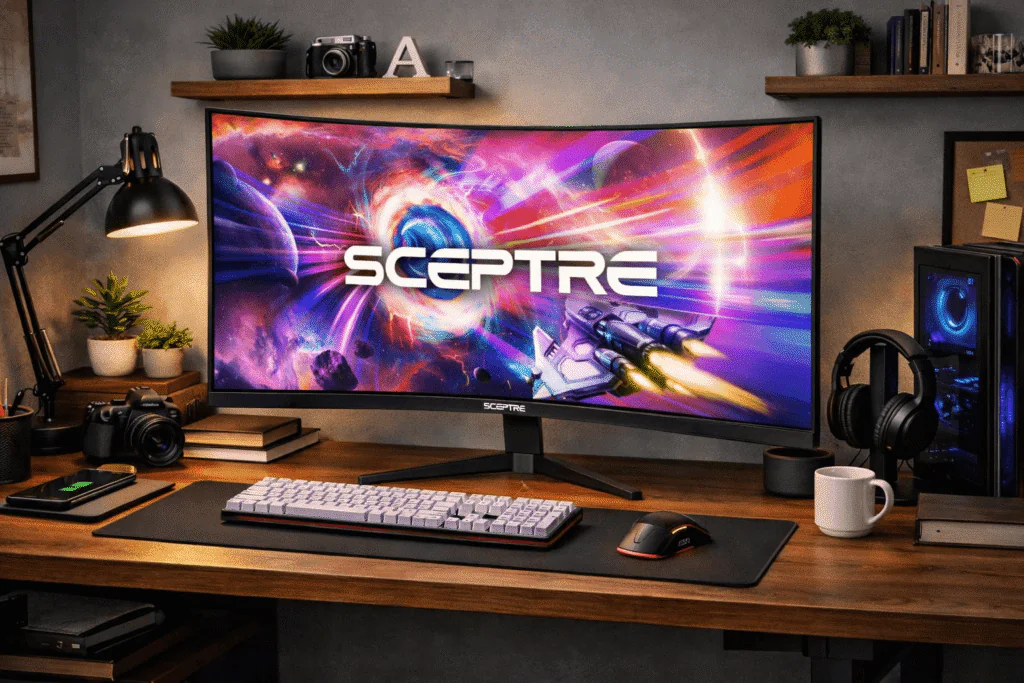
4. Sceptre 34-Inch Curved WQHD (C345B-QUT168)
Best Cost-to-Performance Ratio for Creative Professionals
Sceptre’s 2025 iteration of their 34-inch ultrawide disrupts the budget tier by offering premium colour gamut coverage usually reserved for higher-priced units. The R1500 curve provides a gentler wrap than the Samsung 1000R, striking a balance between immersion and geometric accuracy.
Core Specifications:
- Resolution: WQHD (3440 × 1440)
- Curvature Radius: R1500
- Refresh Rate: Up to 180Hz (via DisplayPort)
- Colour Accuracy: 99% sRGB
Productivity Analysis: Achieving 99% sRGB coverage ensures colour integrity for web design, digital marketing asset creation, and standard RGB workflows. The inclusion of dual DisplayPort inputs and integrated speakers further reduces desktop clutter, making it a highly efficient standalone hub.
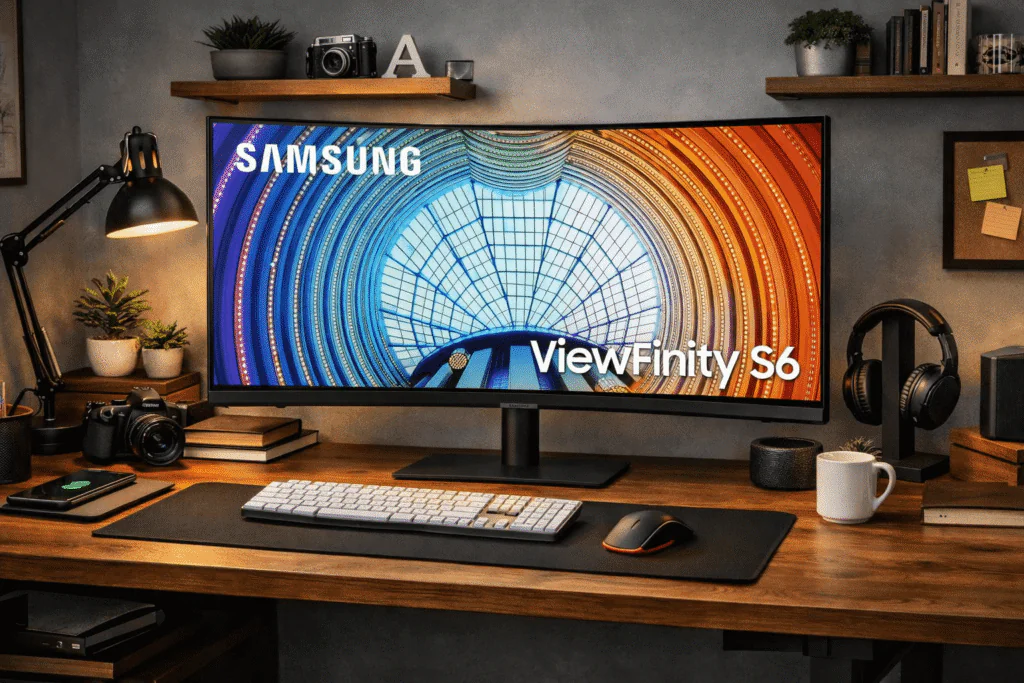
5. SAMSUNG Viewfinity S65UA (LS34A654UBNXGO)
Best Enterprise-Grade Ultrawide with USB-C Connectivity
The S65UA is purpose-built for the modern, laptop-driven professional environment. Its defining feature is the integrated USB-C connectivity, which supports simultaneous data, display signal, and high-wattage power delivery over a single cable.
Core Specifications:
- Resolution: QHD (3440 x 1440)
- Refresh Rate: 100Hz
- Colour Depth: HDR10 (1 Billion Colours)
- Connectivity: USB-C Hub
Productivity Analysis: This unit operates as a complete docking station. By connecting a single USB-C cable to a compatible laptop, the display provides charge, routes peripheral data (mouse/keyboard), and outputs a 10-bit colour matrix (HDR10). The height-adjustable stand and TUV-certified Intelligent Eye Care validate its deployment in strict enterprise or home-office ergonomic setups.
Technical Considerations Before Purchasing
When optimising a workspace for high-yield productivity, consider the following metrics:
- Pixel Density (PPI): WQHD (3440 x 1440) on a 34-inch monitor yields roughly 109 PPI, which is the industry standard for sharp text rendering without requiring OS-level UI scaling.
- Refresh Rates for Non-Gamers: While 60Hz is standard for office work, panels operating at 100Hz+ (such as the units reviewed above) significantly decrease eye strain by providing smoother UI animations and text scrolling.
- I/O Limitations: If you utilise a modern ultrabook, prioritise monitors with USB-C DisplayPort Alternate Mode and Power Delivery (like the Viewfinity S65UA) to minimise cable degradation.
Frequently Asked Questions (FAQs)
Is a 34-inch ultrawide monitor equivalent to dual 27-inch monitors?
Not exactly. A 34-inch ultrawide (21:9) provides approximately 30% more screen real estate than a single 27-inch widescreen but has less total area than two separate 27-inch displays. However, the absence of a central bezel allows for a continuous, uninterrupted workspace, which is often superior for timeline-based editing and complex data visualisations.
What is the difference between 1000R and 1500R curvature?
The “R” value denotes the radius of the curve in millimetres. A 1000R curve is more aggressive, forming part of a circle with a 1-metre radius, and is designed to match the human field of view. A 1500R curve is subtler. For productivity, a 1000R curve is often preferred for 34-inch+ panels to reduce neck rotation.
Can I use these monitors with a MacBook or USB-C laptop?
Yes, but connectivity varies by model. The Samsung Viewfinity S65UA is the optimal choice for laptop users as it features a native USB-C port with Power Delivery (PD). Other models on this list require a DisplayPort-to-USB-C or HDMI-to-USB-C adapter/cable.
Does a higher refresh rate (e.g., 180Hz) matter for office work?
While high refresh rates are typically associated with gaming, they provide significant benefits for productivity. Higher frequencies result in smoother window transitions and more fluid text scrolling, which helps reduce ocular fatigue during intensive eight-hour workdays.
What is WQHD resolution, and is it enough for professional use?
WQHD stands for Wide Quad High Definition (3440 x 1440). It is the gold standard for 34-inch ultrawide monitors because it offers a high pixel density (~109 PPI) that ensures sharp text rendering without requiring the aggressive UI scaling often necessary on 4K panels.
Conclusion: Optimising Your 2026 Workspace
Investing in an ultrawide monitor is no longer a luxury reserved for high-end creative studios; it is a strategic move to increase vertical and horizontal throughput in any professional environment. Whether you are managing complex SEO audits, engineering technical content, or overseeing multiple digital platforms, the ability to view three distinct data sources simultaneously is a measurable efficiency gain.
- For the Power User: The Samsung 40” Odyssey G7 offers the maximum available canvas for extreme multitasking.
- For the Laptop-Centric Professional: The Samsung Viewfinity S65UA provides the cleanest setup via its integrated USB-C docking capabilities.
- For Value-Driven Performance: The Sceptre 34-Inch Curved delivers high-end refresh rates and colour accuracy at a disruptive price point.
Selecting the right panel requires a balance of resolution, ergonomic curvature, and interface compatibility. By prioritising hardware specs over aesthetic “fluff,” you ensure your workstation remains technically relevant and highly productive throughout 2026 and beyond.
Ready to upgrade your workflow? Compare the latest pricing for our top-rated ultrawide displays: